Get the most advanced WordPress store locator plugin with Google Maps integration
Let your customers to find your business with WP Location Finder, WordPress store locator plugin with Google Maps and OpenStreetMap integration
Why Get the most advanced WordPress store locator plugin with Google Maps integration
- WordPress store locator plugin integrated with Google Maps
- Creates stunning, interactive store directories for your website
- Designed to boost user engagement with map-based store browsing
- Helps drive foot traffic to physical store locations
- Ideal for businesses managing multiple store locations

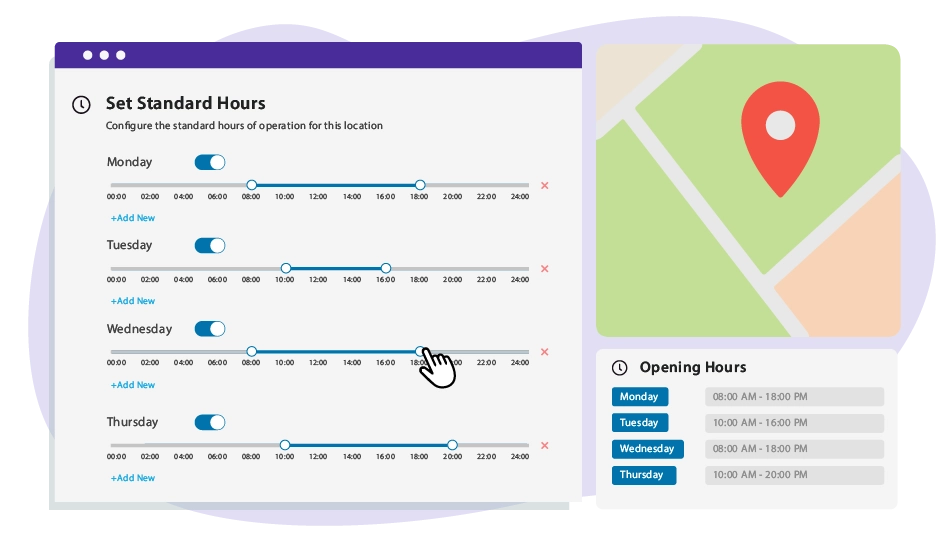
Put Your Business Hours on Autopilot with Simplified Custom Scheduling Keep customers informed with the Opening Hours Scheduling feature in WP Location Finder. Easily set, update, and display your business hours ensuring visitors always know when you’re open. ✅ Enjoy flexible scheduling with daily hours, special openings, and holiday schedules. ✅ Manage everything easily in WordPress by updating hours directly from your dashboard. ✅ Improve local SEO by helping customers find your business with accurate hours. Best for : Local businesses, restaurants, retail stores, clinics, and service providers that need to display accurate opening hours.
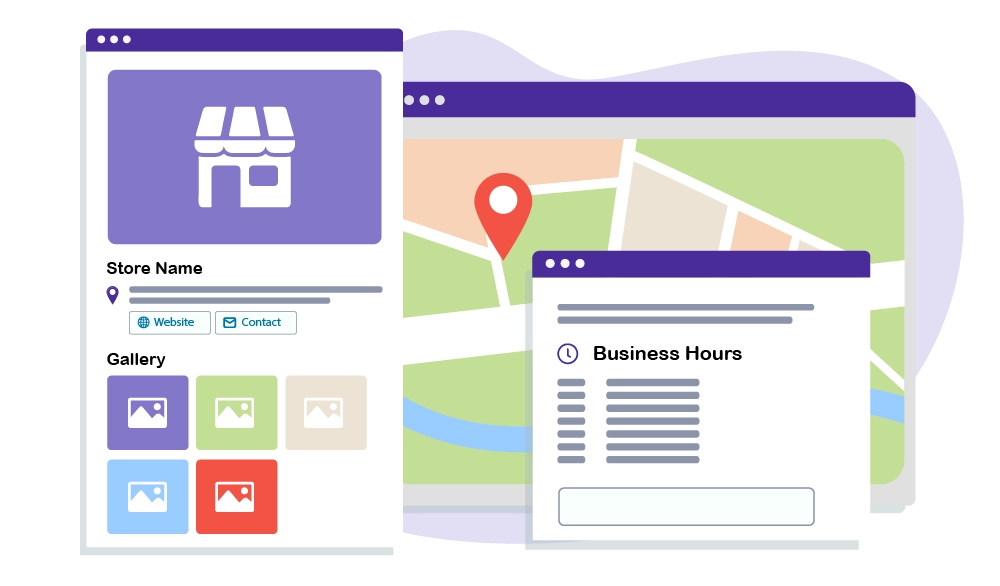
Detailed profiles for each Google Maps location Provide users with detailed store pages, including galleries, business hours, descriptions, and booking links, making it easier for customers to make informed decisions. With the Google Maps store locator for WordPress , you can even embed store information anywhere using shortcodes. ✅ Showcase high-quality image galleries and descriptions ✅ Highlight important store details (business hours, contact info) ✅ Add direct booking or contact links for convenience ✅ Use shortcodes to place store locations anywhere on your website Best for : Businesses looking to provide rich, informative store profiles for users.
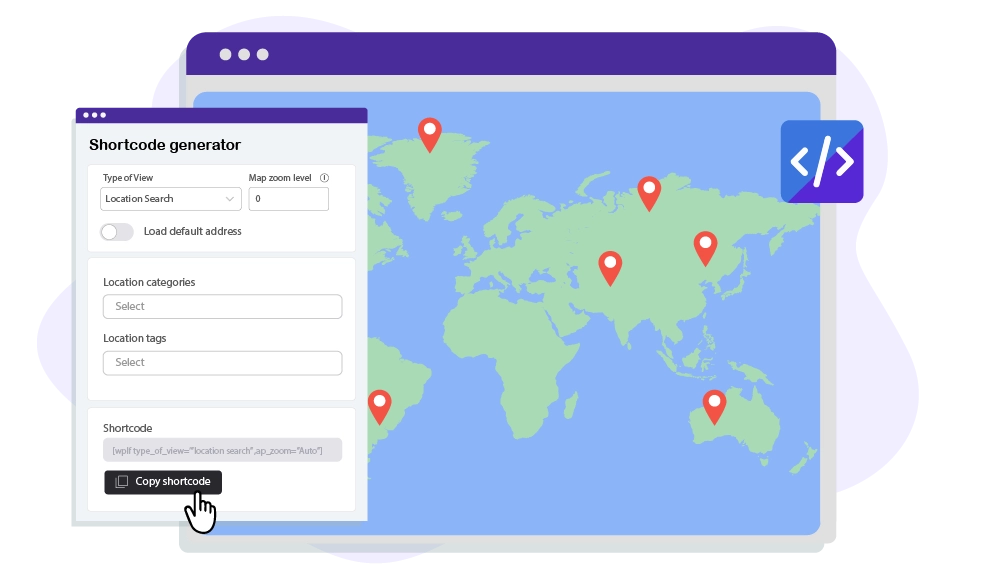
Flexible shortcode generator for locations search, maps, and places Easily integrate Google Maps, store locators, and location searches into any page or post using shortcodes. With WP Location Finder’s built-in shortcode generator, you can seamlessly embed interactive maps, nearby places, and custom store searches anywhere on your WordPress site—no coding required! ✅ Fully customizable shortcodes for location-based searches ✅ Works with any WordPress theme or page layout ✅ Ideal for showcasing multiple store locations dynamically ✅ A fully responsive WordPress store locator plugin Best for : Quick and easy map integration on various pages.
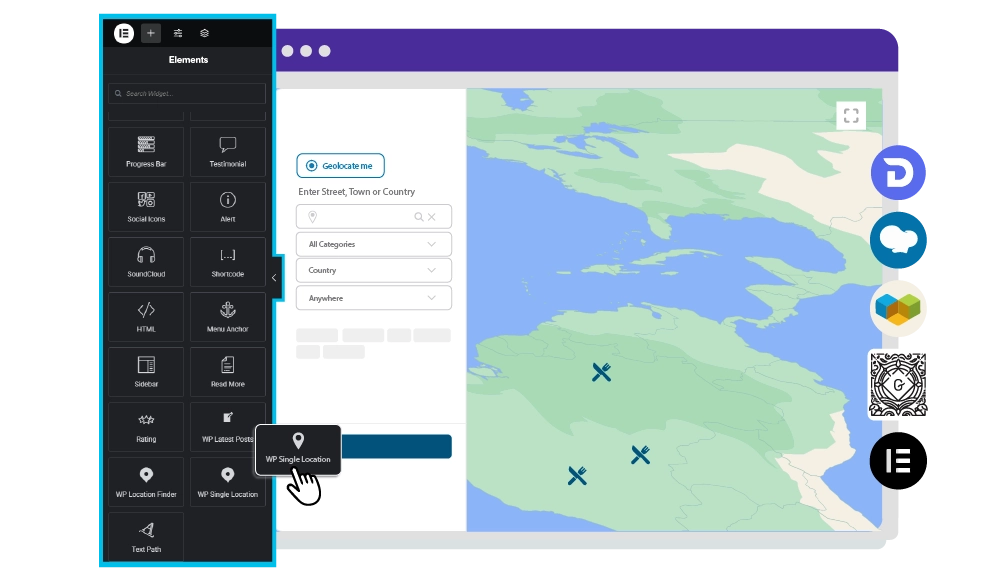
Main page Builder map blocks WP Location Finder is fully compatible with leading WordPress page builders like Elementor, DIVI, WPBakery, Visual Composer, and the WordPress block editor (Gutenberg), allowing you to integrate maps effortlessly with just a few clicks. This seamless compatibility ensures a smooth and flawless WordPress + Google Maps experience. ✅ Customizable map elements for your favorite builder ✅ Drag’n drop a WP Location Finder block for quick customization ✅ Essential block configuration for every page builder ✅ No coding required—perfect for beginners
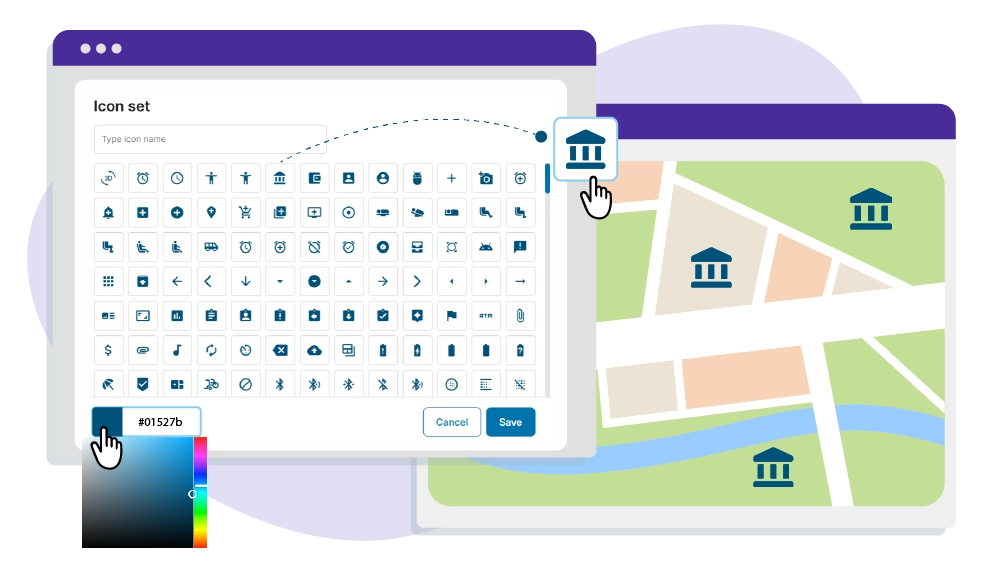
Customizable Google Maps SVG icons for your locations Make your store locators more visually appealing by customizing your location markers with SVG icons that match your brand. Whether it’s a shopping cart for retail stores or a coffee cup for cafés, you can create a professional look and enhance map readability. ✅ Super complete SVG icon set from Google Maps ✅ Fully scalable SVG icons ensure sharp visuals ✅ Customize markers by category (e.g., retail, food, services) ✅ Improve user experience with visually distinct icons
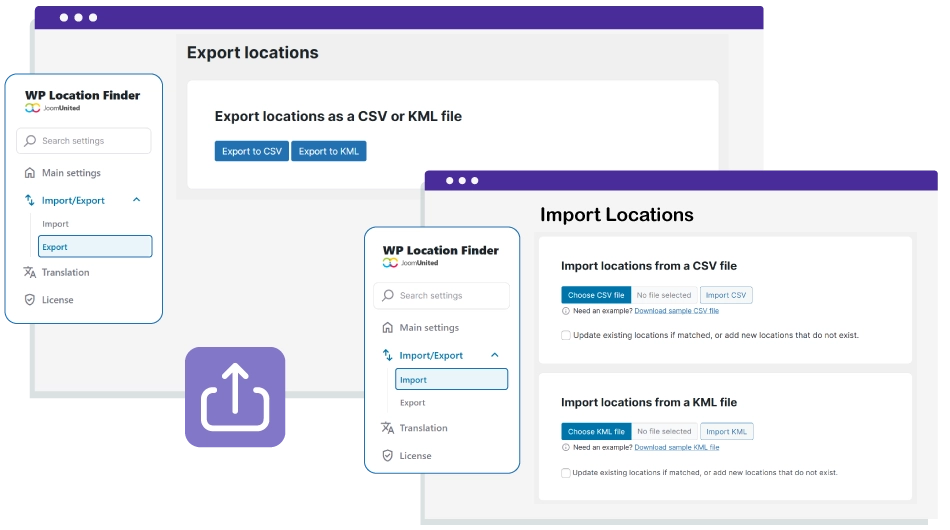
Effortless Location Management with Import & Export You can quickly import or export locations in bulk using CSV or KML files. Easily upload new locations, update existing ones, or download all your data for backup, migration, or external analysis. This is perfect for managing large location databases efficiently. ✅ Import new locations instantly ✅ Update existing data automatically ✅ Export for backup or site migration
Detailed Features
Responsive Layout
Seamless experience on desktop, tablet, and mobile
Clean Typography
System fonts optimized for readability
Flexible Grid
Modern and adaptable layout system
Customizable Colors
Fully editable color palette
Balanced Spacing
Optimal use of white space
Simple Header/Footer
EEssential and no-frills elements
WooCommerce Compatible
Integrated e-commerce with a consistent design
Easy Menu
Clean and intuitive navigation
Contact Form
Essential contact form
Portfolio Grid
Minimalist project gallery
Clean Blog
Content-focused blog layout
Widget Areas
Essential and organized widget areas
Lightweight Code
Minimal CSS and JS for maximum speed
Optimized Images
Intelligent resource loading
Cache Friendly
Compatible with all cache plugins
Optimized Database
Efficient queries and a clean database
CDN Ready
Ready for Content Delivery Networks
Standards Compliant
Valid and optimized W3C code
Clear Documentation
Easy-to-follow step-by-step guides
Email Support
Email assistance with quick responses
Regular Updates
Constant maintenance and improvements
Demo Data
Sample content to get started immediately
Child Theme
Child theme for safe customizations
FAQ
Answers to the most common questions