Astrology Joomla Template
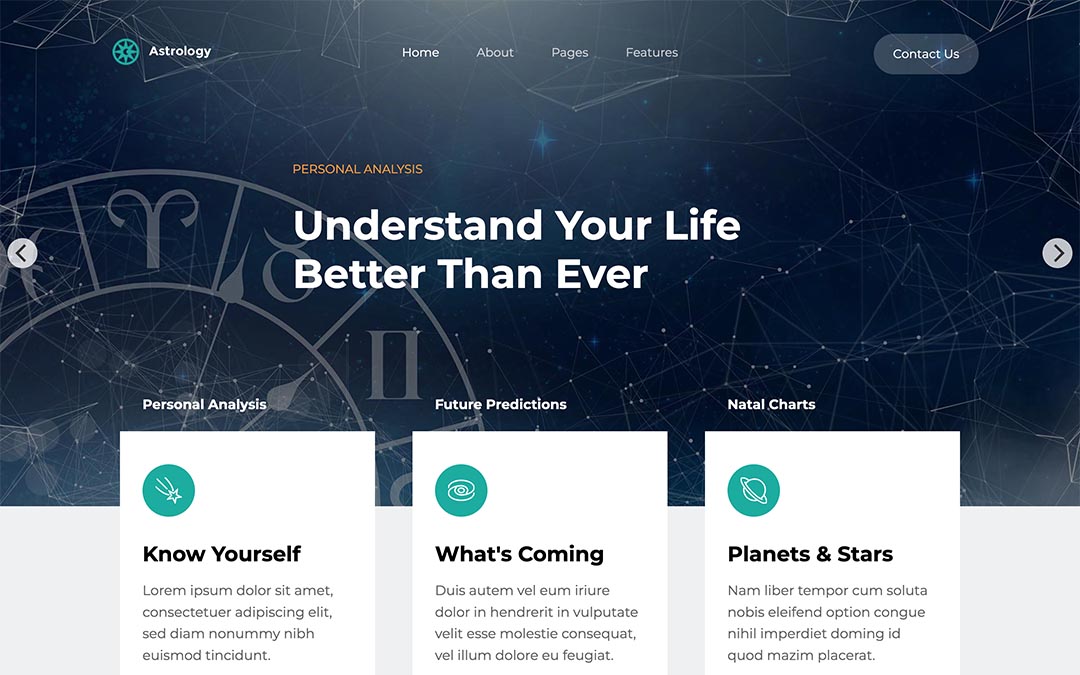
The Astrology Joomla template is designed for websites for astrologists. Astrology is an ancient belief system that's still popular among some people even now, in the modern age. Therefore, the requirement for websites for astrologists is quite common. With this Joomla template, you will be prepared to create an astrology website in no time. This template has 3 different home page variants . It's powered by the page builder and has many other features that recommends it for your astrologist website.
Why Astrology Joomla Template
- Responsive template , based on clean CSS/CSS3 code, and powered by the Sparky Joomla template framework .
- The Sparky Page Builder is included with this template. All demo content is created using this page builder. Edit and create your content effortlessly.
- 3 pre-defined styles with different colors. All colors are easily customizable in Sparky options (infinite color options).
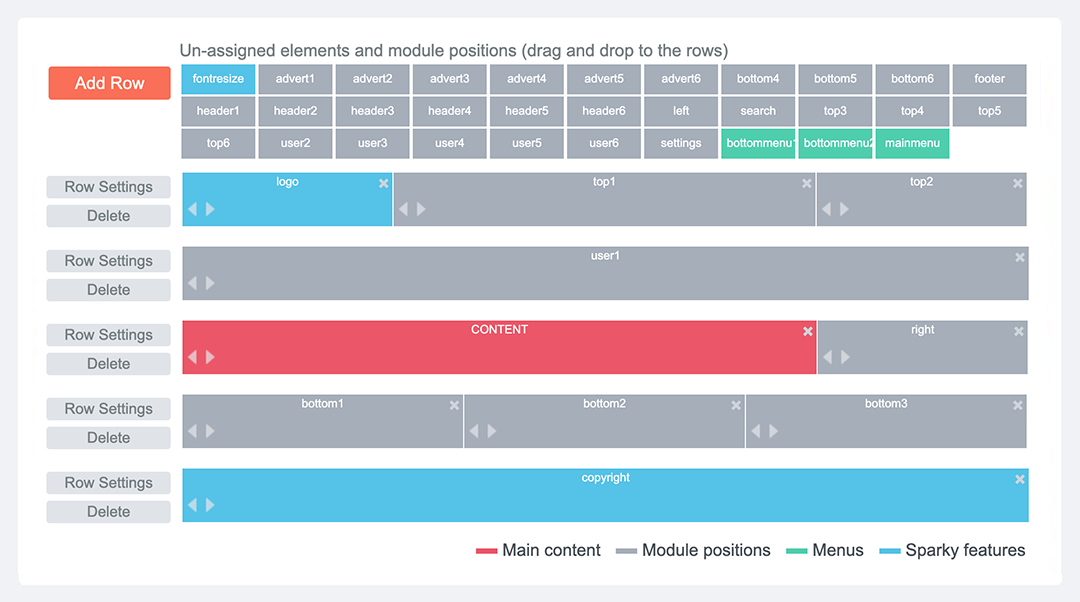
- Customization of the template's layout and adding/removing module positions is easy. It's powered by Sparky's drag-and-drop Layout Editor . Change the layout and element's dimensions easily whenever you need.
- Additional modules included with the template: Hot Swipe Carousel and Hot Maps .
- The compatibility with all future Joomla! versions is guaranteed!
- HotStart (quick start installation) is available with both a single purchase or membership plan. It copies the template with all extensions and demo pages easily.
- An unlimited number of module positions can be added easily within the Layout Editor of the Sparky Framework if needed.
- A selection of 800+ locally hosted Google Fonts is available through the template options panel. The latest version of the Font Awesome icons collection is included.
- PSD source file and fonts are available.
- Drop-down top menu with the presentation of the menu items in multiple levels.
- Tested with Google Chrome, Mozilla Firefox, Microsoft Edge, Apple Safari, and Opera browsers. Tested on Apple iOS and Android mobile devices. Support for RTL (right-to-left) languages.

One of the 3 home page variants of the Astrology template is based on the responsive Hot Swipe Carousel module. If you prefer a home page with more interactive content, you can use this page for the home of your website.\n\nThis module is optimized for both desktop and mobile screens. It allows you to create a slide show containing the images and textual messages.
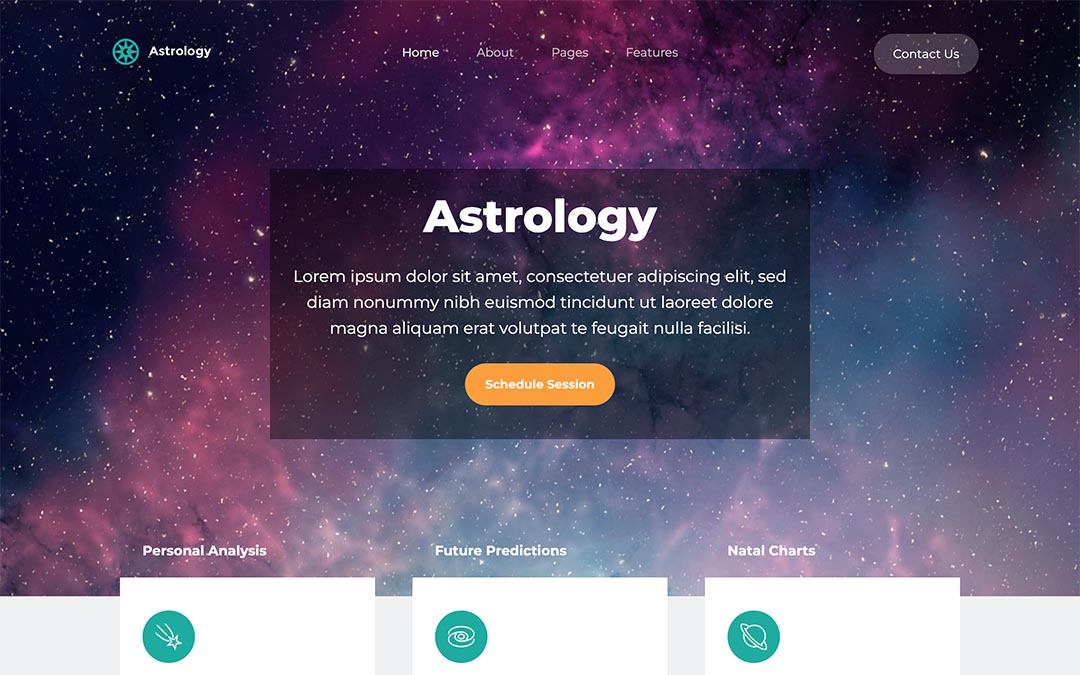
This home page variant contains a video background with call-to-action text in an overlay textual box.\n\nIf your company has an introduction video, this homepage layout option lets you feature it prominently at the top of the page. Additionally, you can place the company slogan alongside call-to-action buttons in the same prominent section.
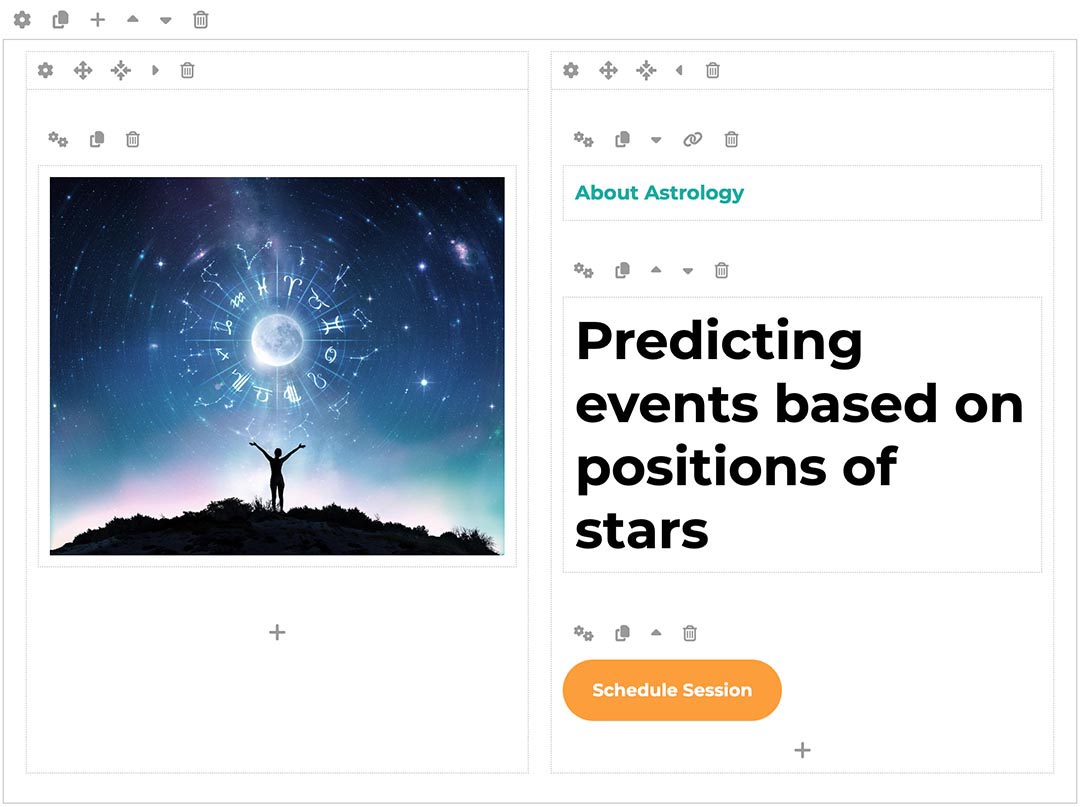
The demo content of the Astrology template has been made using the Sparky Page Builder - a native Joomla editor on steroids. You can use this editor to change text and media without coding and also change the page elements layout using the drag-and-drop technology.\n\nOur page builder allows you to edit all the content visually. The page builder's output is pure HTML code that you can also edit in all other Joomla editors.
The Sparky Framework is a parent template of the Astrology template. All the power of this framework is transferred to the Astrology child template.\n\nIn the template options, you can use drag-and-drop Layout Builder to adjust or add more module positions. The framework also lets you select Google fonts, and change all the colors, menus, logo images, and more without hassle. Based on your settings, the framework creates static CSS, Javascript and font files for faster loading.
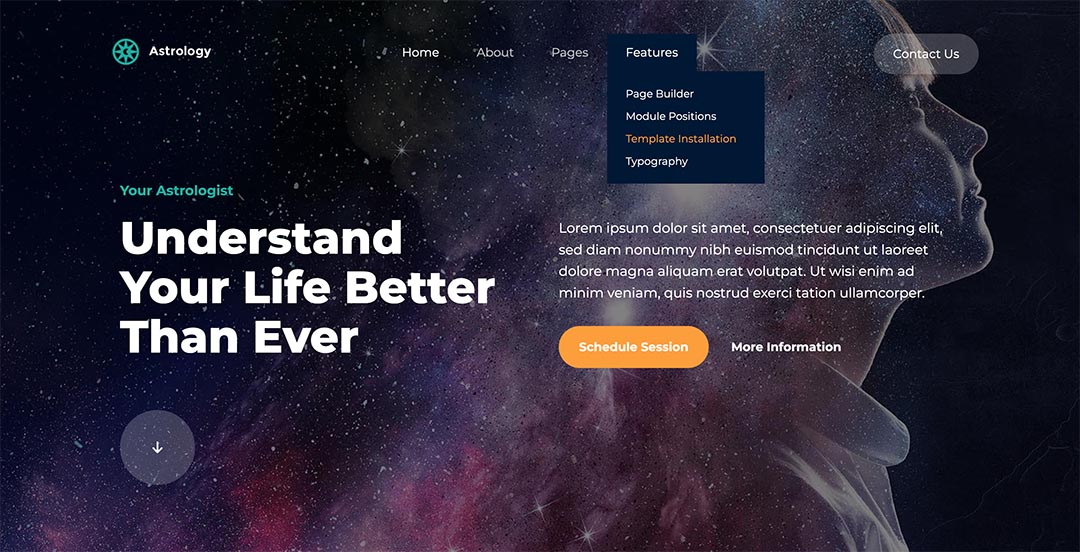
Astrology Joomla template includes a responsive drop-down menu with submenu links. All the settings of the drop-down menu and its submenus are in the template parameters.\n\nBesides the default menu type, the framework lets you use other menu types, such as an off-canvas menu, mega menu, horizontal menu, and static menu.
There are 3 color schemes included with the Astrology Joomla template.\n\nThe predefined colors are presented on the image. However, if none of these pre-defined variants match your company branding, you can create your color scheme or modify existing ones through the template settings.

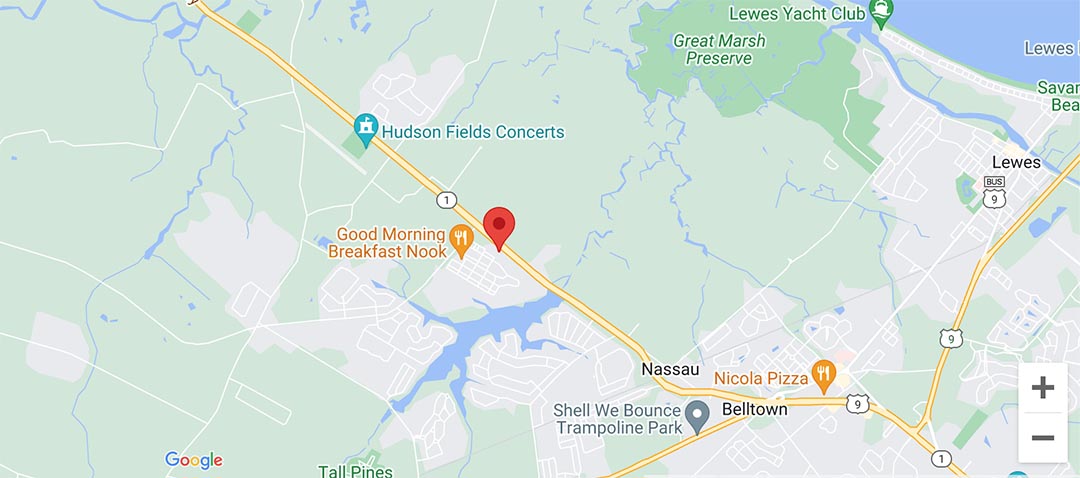
The Hot Maps module can show the location of your company and navigate the clients. In this template, it's published on the Contact page.\n\nYou can use the module with or without an API key. The API key is required if you need advanced customizations of the map's styling.