Auto Joomla Template
Power your automotive website with a Joomla Auto template created for car dealerships, motorsport teams, and auto service businesses. Featuring lightning-fast performance and full responsiveness, this template helps you showcase vehicles and company services with style and precision. Eye-catching car images, flexible layouts, and mobile-ready design make it easy to attract customers and convert visits into leads.
Why Auto Joomla Template
- Responsive template , based on clean CSS/CSS3 code, and powered by the Sparky Joomla template framework .
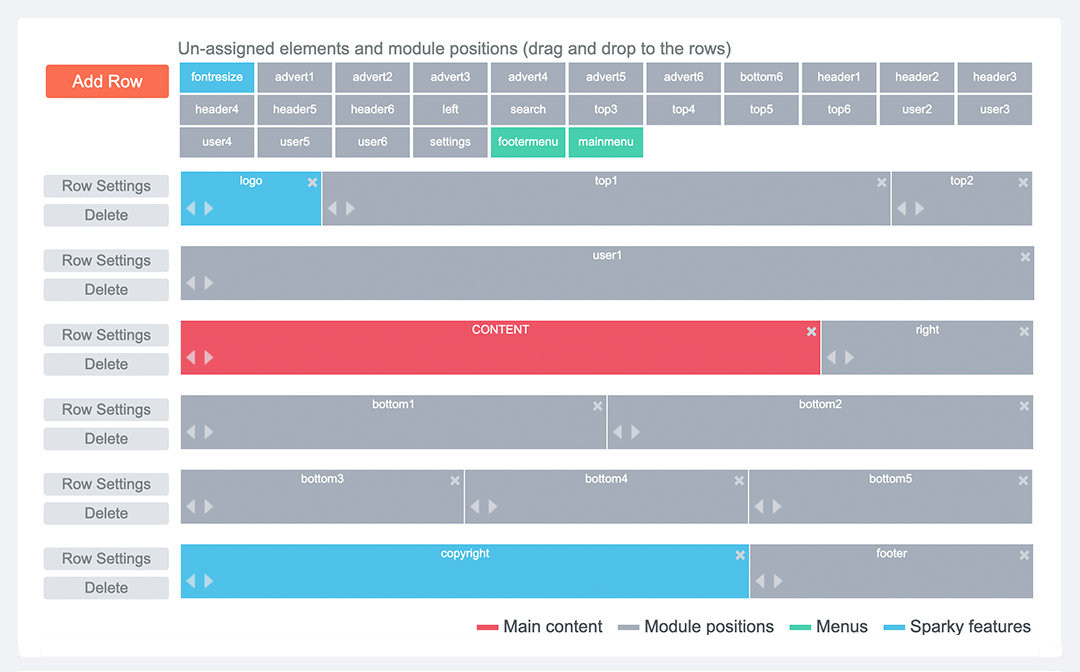
- Customization of the template's layout and adding/removing module positions is easy. It's powered by Sparky's drag-and-drop Layout Editor . Change the layout and elements' dimensions easily whenever you need.
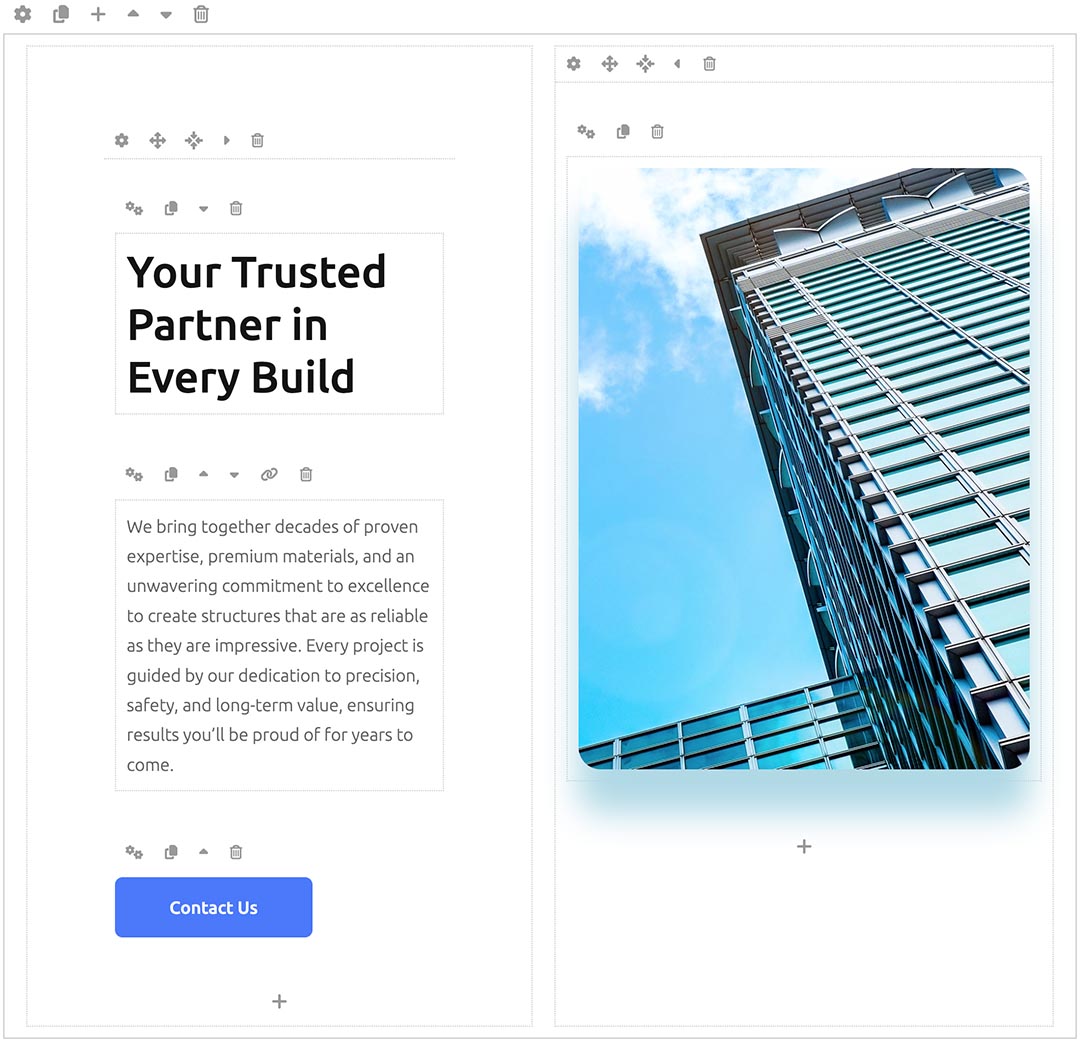
- The Sparky Page Builder is included with this template. All demo content is created using this page builder. Edit and create your content effortlessly.
- 4 color variants are available. All colors are easily customizable in Sparky options (infinite color options).
- Additional modules included with the template: Hot Swipe Carousel , and Hot Maps .
- The compatibility with all future Joomla! versions is guaranteed!
- HotStart (quick start installation) is available with both a single purchase and a membership plan. It copies the template with all extensions and demo pages easily.
- An unlimited number of module positions can be added easily within the Layout Editor of the Sparky Framework if needed.
- A selection of hundreds of locally hosted Google Fonts is available through the template options panel. The latest version of the Font Awesome icons collection is included.
- PSD source file and fonts are available.
- Drop-down top menu with the presentation of the menu items in multiple levels.
- Tested with Google Chrome, Mozilla Firefox, Microsoft Edge, Apple Safari, and Opera browsers. Tested on Apple iOS and Android mobile devices. Support for RTL (right-to-left) languages.

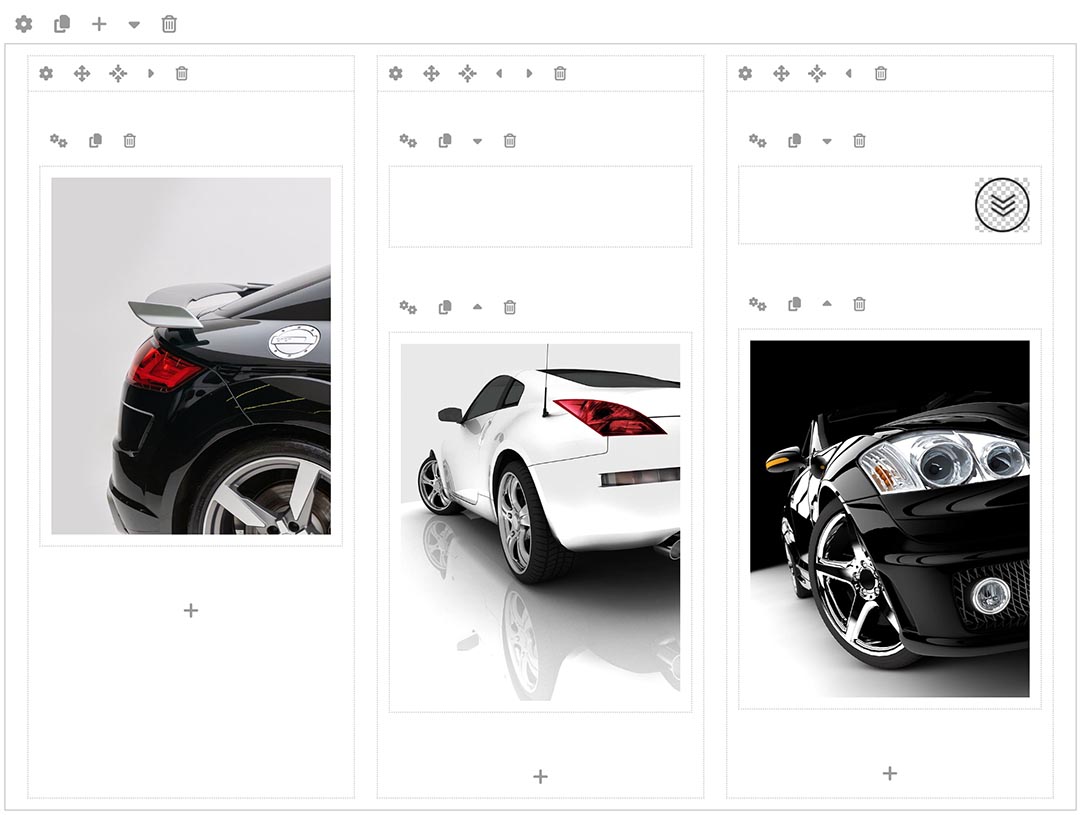
The content pages of the Auto template demo are created with Sparky - Joomla Page Builder , a built-in Joomla page builder that simplifies creating custom pages and adding or editing content.\n\nUsing its drag-and-drop functionality, you can edit all elements of the page and custom modules effortlessly without any coding skills. The page builder lets you create custom layouts for your pages using rows, columns, and blocks. Each block represents content elements such as paragraphs, headings, images, or lists. The builder works as a regular Joomla editor, producing pure HTML code, which can be edited in any other Joomla or HTML editor later.
The Sparky Framework is a flexible Joomla template framework that powers the Auto template and many other templates.\n\nActing as a child template, the Auto template inherits all the features and functionalities of the framework. The drag-and-drop Layout Builder can modify or add module positions and other elements through the template options. The framework also enables you to select Google fonts and download and host them locally (GDPR compliant). Customizing colors, menus, logo images, and more is straightforward. Based on your configurations, the framework generates static CSS and JS files for your site each time you save the template settings.
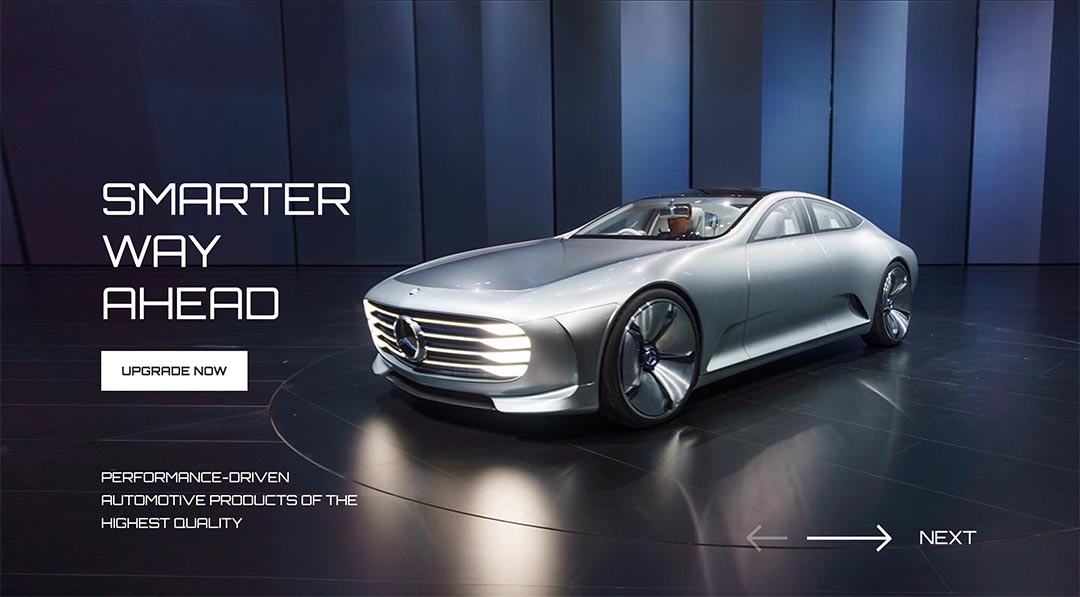
The Auto template includes the Swipe Carousel module. It showcases the most important services or offerings of your website. Use this module to add strong messages about your business.\n\nThis responsive module is perfect for highlighting key aspects of your business. It allows you to create a slideshow with images and text messages, and you can easily add, edit, or rearrange slides with text and call-to-action buttons.
The Auto template includes a responsive drop-down menu with submenu links. It adds an intuitive navigation to your website and lets your visitors browse through the website easily.\n\nAlong with the drop-down menu, the framework supports various other menu types, such as off-canvas, mega menu, horizontal, and static menus. You can choose to use a single menu for your site or combine multiple menu types in different sections of your website.

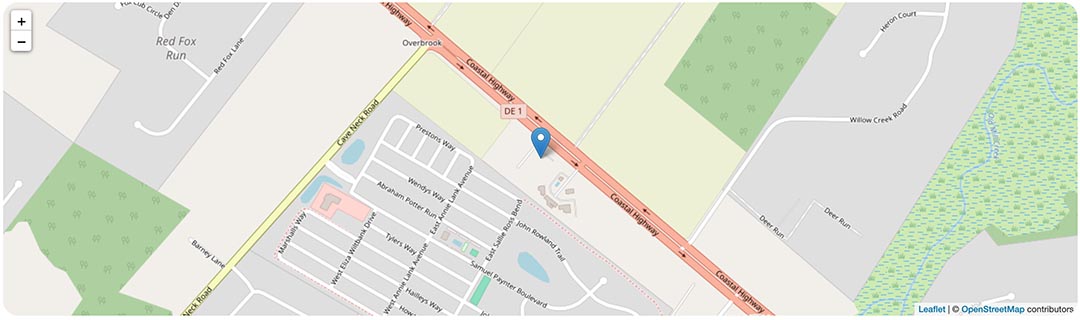
The Hot Maps module can show the location of your company on the map and navigate the clients to this address. Google Maps and Open Street Map (free) are available, and you can select one of them as your map provider. You can control the map styling and add some advanced features to the map output.