WooCommerce Map Delivery Area
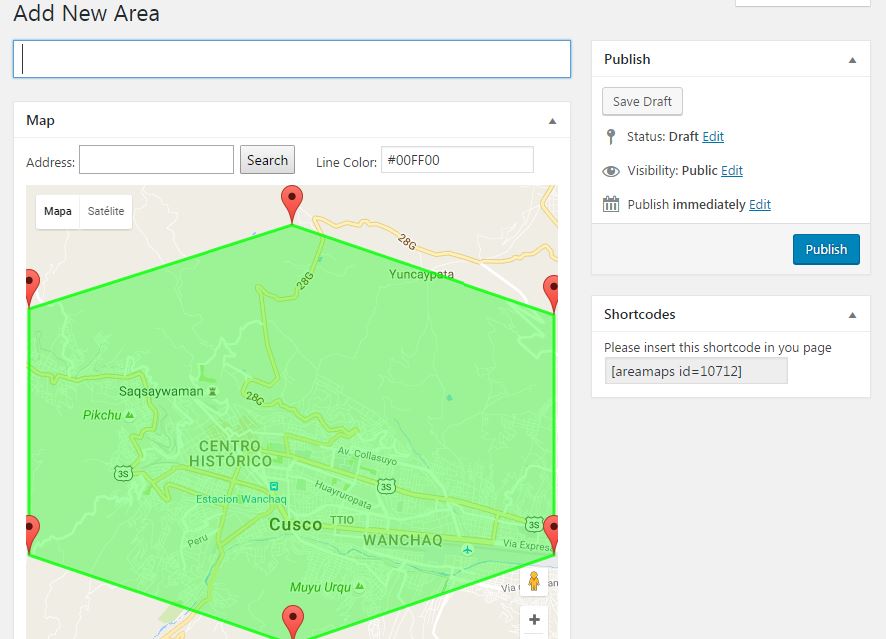
WooCommerce Map Delivery Area will let you create a custom zone area by using Google Maps API. Once you draw that area and the user enters his address in the checkout, the plugin will check if the user it’s located within that area and apply the configured rate. You could add multiple areas and even display those areas in the front end using a shortcode. The area it’s configured as a new shipping method that you apply to a WooCommerce shipping zone. You can set multiple options like for example a minimum total price for shipping to the area, or cancel the whole order and show a message error to the user if his address it’s outside of the delivery area. Also, you are able to set a default price if the user it’s not located in delivery area. Single Site – $29.00 2-5 Sites – $79.00 Unlimited Sites – $149.00 Purchase Checkout Added to cart Share this: Facebook Twitter Reddit LinkedIn
Why WooCommerce Map Delivery Area
- Create custom delivery zone areas using Google Maps API
- Draw areas and validate user checkout address against them to apply configured shipping rates
- Add multiple areas and display them on the frontend using a shortcode
- Configure areas as a new shipping method within WooCommerce shipping zones
- Set options like minimum total price for shipping, cancel orders outside area with error message
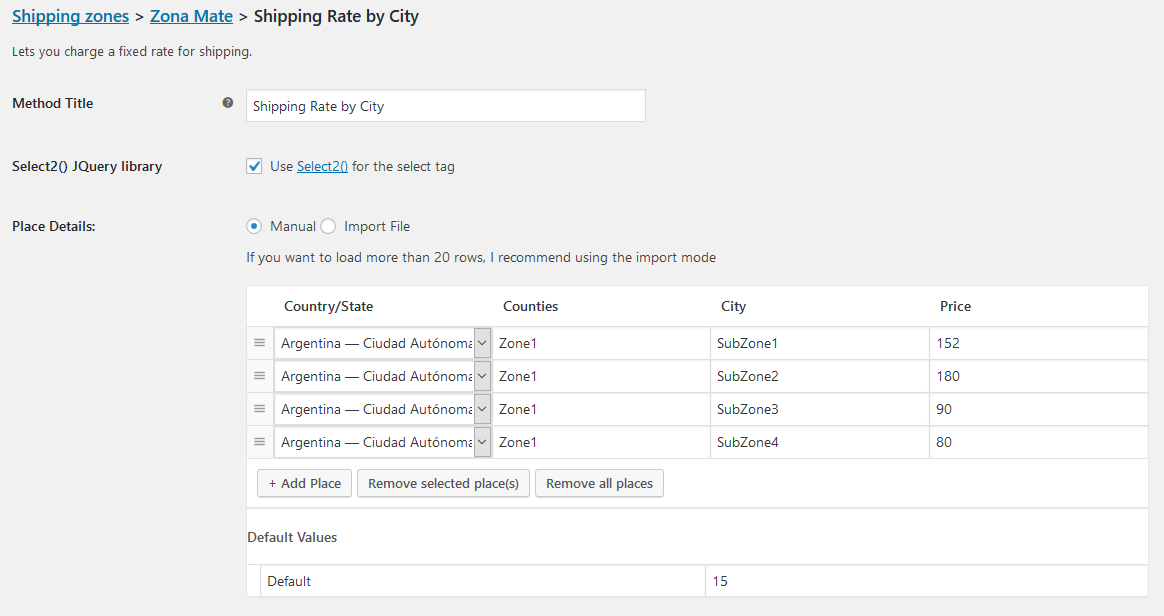
- Set default price for users outside defined delivery areas
- Pricing: Single Site – $29.00, 2-5 Sites – $79.00, Unlimited Sites – $149.00